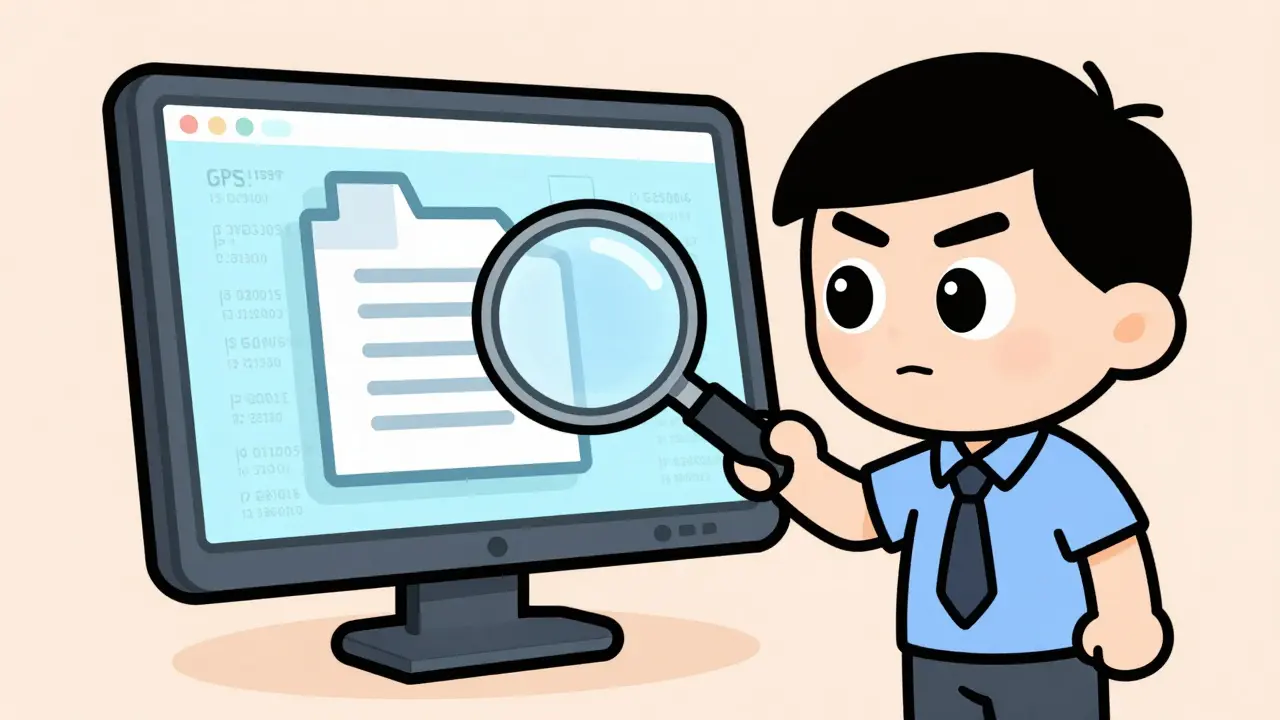
You delete a photo. You empty the trash bin. You think it's gone. To a forensic investigator, that file is just starting to talk.
Digital forensics isn't about guessing what you did. It is about reading the silent record your computer keeps of every click, save, and move. When an investigator pulls a hard drive or images a smartphone, they don't just see your files. They see the hidden scaffolding around them-timestamps, location data, editing history, and even fragments of data you thought were erased forever.
Understanding this angle changes how you handle sensitive documents. It turns abstract 'privacy' into concrete steps for protecting yourself. Here is exactly what an investigator can pull from your files, why it matters, and how you can control the narrative before anyone else reads it.
The Visible Layer Is Just the Tip
At first glance, a file looks like one thing: a Word document, a JPEG photo, or a PDF contract. But these formats are containers. Inside that container sits the content you created, plus a layer of metadata that describes the content.
Metadata includes descriptive tags (title, author), structural data (how the file is organized), and administrative records (creation date, last modified). For example, a JPEG image often carries EXIF data, which records camera model, exposure settings, and frequently GPS coordinates. Those coordinates can pinpoint your location to within a few meters. A smartphone photo taken in 2021 might hold a timestamp accurate to the second and the exact device model used.
Office documents leak similar details. Microsoft Office files (.docx, .xlsx) store core properties like the author name, company, total editing time in minutes, and revision numbers inside XML structures. An investigator can show that a contract was edited 37 times over 12 days by a specific user account, revealing who actually drafted it versus who submitted it. These inconsistencies-like a document dated 2019 but internally created in 2022-are common evidence points in legal disputes.
File Systems Remember Everything
Beyond the file itself, the operating system keeps a ledger. In Windows NTFS systems, every file has a record in the Master File Table ($MFT). This record holds four critical timestamps known as MACB times: Modified, Accessed, Created, and Entry Modified. These are stored with 100-nanosecond resolution.
On Linux systems using ext4, inode structures track access, modify, and change times with similar precision. By correlating these timestamps across hundreds of files, investigators build timelines. They can reconstruct when you downloaded a file, opened it, edited it, and copied it to a USB drive. Tools like Autopsy visualize this timeline, showing activity down to the second across weeks or months.
This means your behavior leaves a trace even if you never save a 'log.' The act of opening a file updates its access time. Copying it creates new entries. Deleting it marks space as available but doesn't always erase the data immediately.
The Myth of Deletion
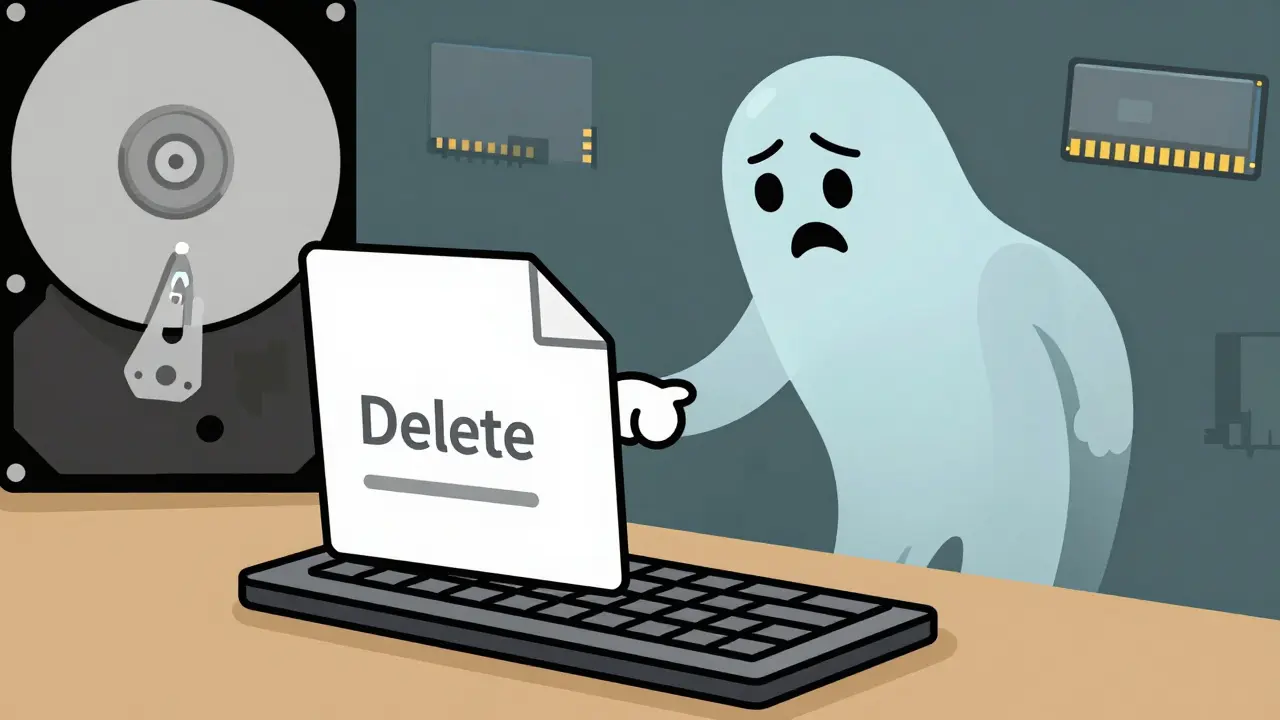
When you delete a file on a traditional magnetic hard disk, the file system simply marks the space as free. The actual data remains on the platter until new information overwrites it. Forensic tools like EnCase or FTK can scan unallocated space and 'carve' out recoverable files based on headers and footers.
Solid-state drives (SSDs) complicate this. Modern SSDs use the TRIM command to proactively erase blocks when files are deleted, making recovery much harder. However, metadata such as directory entries, volume shadow copies, and cloud backups often preserve older versions. If you sync files to Dropbox or OneDrive, deleting them locally rarely deletes them from the server. Cloud logs retain IP addresses, user IDs, and action timestamps for 90 days or more.
Investigators also examine slack space-the unused portion of an allocated cluster. If a text file uses only part of a 4096-byte cluster, the remainder may contain remnants of older files. While fragmentary, this data has been admitted in court cases to expose partial chat logs or image fragments.
Memory and Network Artifacts
Not all evidence lives on the disk. Volatile memory (RAM) holds artifacts that never hit the hard drive. Tools like Volatility can analyze RAM dumps to list running processes, open network connections, and decrypted contents of messaging apps. Studies have shown that ephemeral chats in WhatsApp or Skype leave traces in memory even when local disk artifacts are minimal.
Network traffic provides another window. Packet captures (.pcap files) analyzed with Wireshark can reveal plaintext credentials sent over insecure protocols, DNS queries, and application data. Combined with browser history stored in SQLite databases (like Chrome's 'History' file), investigators can map your online movements, search queries, and download activities with high fidelity.
Mobile Devices: The Pocket Witness
Smartphones are dense repositories of personal data. Mobile forensics tools like Cellebrite UFED extract logical, file-system, or physical data from iOS and Android devices. These extractions include SMS/iMessage content, call logs, Wi-Fi connection history (with SSIDs and timestamps), GPS tracks, and health data.
A single iPhone backup can yield tens of thousands of artifacts. Deleted messages often remain in database tables flagged as 'deleted' but not yet overwritten. Location data from photos and app usage can place a user at a specific scene during a specific time, challenging alibis or confirming presence.

How to Control Your Digital Footprint
You cannot stop your computer from recording events, but you can manage what gets shared. Awareness is the first defense. Before sending a file, inspect it. Look for embedded GPS coordinates, author names, or editing histories that reveal more than intended.
For everyday users, manual inspection is tedious. This is where specialized tools help. A good approach is to use a client-side metadata remover that strips hidden data without uploading your files to a server. Since privacy is paramount, ensuring the tool runs entirely in your browser via WebAssembly guarantees that your sensitive documents never leave your device.
Here is a practical checklist for sanitizing files before sharing:
- Images: Remove EXIF data including GPS coordinates, camera serial numbers, and capture timestamps. Ensure pixel quality remains unchanged.
- PDFs: Strip both the Info dictionary and the XMP metadata stream. Many naive cleaners miss one, leaving behind author names or creation dates.
- Documents: Clear core properties (author, company) and application properties (total editing time, revision number). Be careful with tracked changes; remove them separately if needed.
- Videos: Scrub metadata atoms like udta and moov boxes that contain recording locations and device models.
Using full-disk encryption (like BitLocker or FileVault) protects data at rest if your device is seized. Keeping devices powered off when not in use minimizes volatile memory exposure. Regularly patching software prevents malware from creating extra logs.
| File Type | Hidden Data | Risk Level |
|---|---|---|
| JPEG/PNG | GPS coordinates, camera serial, edit history | High |
| DOCX/XLSX | Author name, company, total editing time | Medium |
| Creator software, production dates, custom properties | Medium | |
| MP4/MOV | Recording location, device model, encoding software | High |
Legal and Evidentiary Standards
In legal contexts, digital evidence must meet strict standards. The National Institute of Justice (NIJ) defines digital evidence as information stored in binary form relied upon in court. Methods used to extract this evidence must be scientifically valid, tested, and peer-reviewed, often evaluated under the Daubert standard in US courts.
Procedures follow frameworks like NIST SP 800-86 and ISO/IEC 27037. Every step-from imaging the drive to calculating cryptographic hashes (MD5, SHA-256)-must be documented in a chain of custody. This ensures the evidence presented in court is bit-for-bit identical to the original source.
While encryption and secure deletion techniques can limit what investigators recover, complete removal of all traces is extremely difficult. Remnants in backups, logs, and cloud services often persist. The goal isn't necessarily to hide illegal activity, but to protect legitimate privacy and prevent unintended disclosure of sensitive personal or professional data.
Can investigators recover deleted files?
Yes, on traditional hard drives, deleted files can often be recovered because the data remains until overwritten. On modern SSDs with TRIM enabled, recovery is much harder, but cloud backups and shadow copies may still preserve older versions.
What is metadata in a file?
Metadata is hidden data describing the file, such as creation date, author name, GPS coordinates in photos, and editing history in documents. It reveals context about how and where the file was created.
How do I remove metadata from my files?
You can use built-in OS features or dedicated tools. For a privacy-first approach, use a browser-based metadata remover that processes files locally without uploading them, ensuring your data stays on your device.
Do encrypted files protect against forensic analysis?
Full-disk encryption protects data if the device is powered off and the key is unknown. However, live memory forensics can sometimes recover encryption keys or decrypted content from RAM if the system is running.
Why is chain of custody important?
Chain of custody documents every person who handled the evidence and when. It proves the digital evidence was not altered or tampered with, making it admissible in court.