
Imagine waking up tomorrow and finding your entire crypto portfolio gone. Not because the market crashed, but because someone else held the keys. In 2024 alone, Cryptocurrency theft reached $1.2 billion, with Chainalysis reporting that 78% of these incidents stemmed from compromised wallet security rather than exchange hacks. It’s a sobering statistic, especially when you consider that most of these losses were preventable. Securing your digital assets isn’t about becoming a cybersecurity expert; it’s about understanding where your vulnerabilities lie and plugging them before an attacker finds them.
The Golden Rule: Not Your Keys, Not Your Coins
At its core, a cryptocurrency wallet doesn’t store coins; it stores the private keys that prove ownership of those coins on the blockchain. If someone gets your private key or your recovery seed phrase, they own your funds. Period. The blockchain is immutable-once a transaction is confirmed, there’s no customer support line to call for a refund.
This reality dictates the primary strategy for security: isolation. You need to separate your valuable holdings from devices that are constantly exposed to the internet. Think of your hot wallet (software like MetaMask or Trust Wallet) as your physical wallet in your pocket. It’s convenient for buying coffee, but you wouldn’t keep your life savings in it. For significant holdings, you need a safe-a cold wallet.
Hardware Wallets: The First Line of Defense
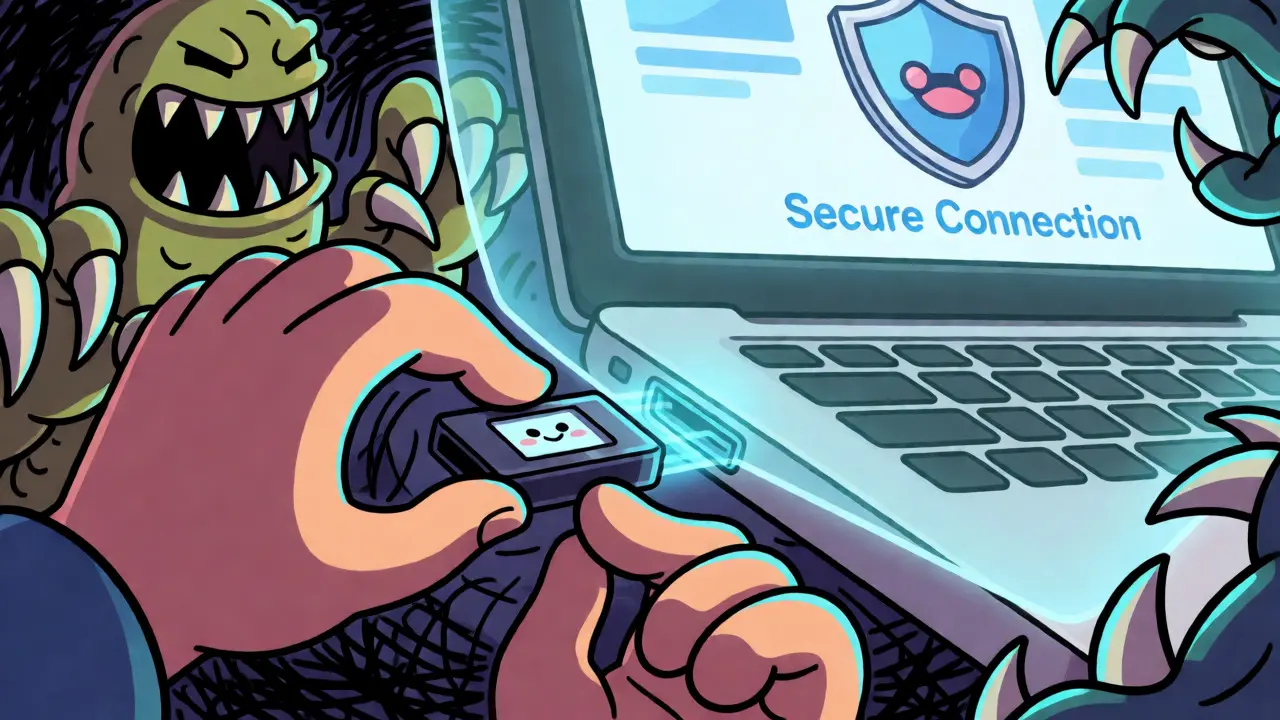
For most users, a hardware wallet is the single best investment you can make for security. These devices, such as the Ledger Nano X or Trezor Model T, are small USB sticks that keep your private keys offline. When you initiate a transaction on your computer, the hardware wallet signs it internally using a dedicated secure chip, never exposing the private key to the potentially infected operating system.
Why does this matter? Malware like Infostealer.Cryxos can scrape clipboard data and screenshot passwords on your laptop, but it cannot read the memory inside a hardware wallet’s secure element unless you physically approve the transaction on the device screen. According to Ledger’s Donjon security team, using a hardware wallet reduces the risk of compromise by 99.4% compared to software-only solutions. Just be careful where you buy them. A study noted that 12% of counterfeit Ledger devices sold on third-party marketplaces contained pre-installed malware. Always buy directly from the manufacturer.
Mastering Seed Phrase Hygiene
Your seed phrase (usually 12 or 24 words) is the master key to your wallet. How you back it up determines whether you’ll sleep well at night. The biggest mistake people make is treating their seed phrase like a password. It’s not a string of text you can save in a notes app or take a photo of.
- No Digital Copies: Never type your seed phrase into a computer, phone, or cloud service. Screenshots can be backed up to iCloud or Google Photos without your knowledge, exposing your keys to anyone who gains access to your account.
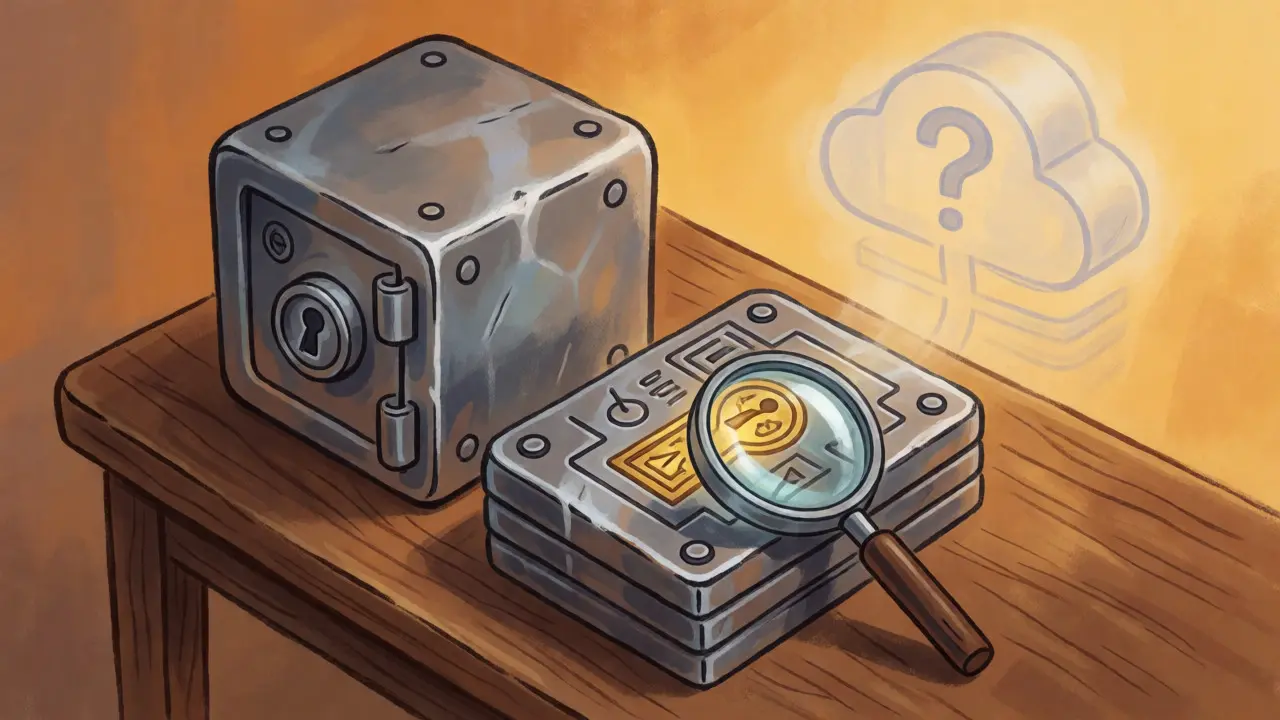
- Physical Backups Only: Write it down on paper, but better yet, use steel plates. Paper burns, fades, and dissolves in water. Steel survives fire and flood.
- Multiple Locations: Store backups in geographically distinct locations. If your house burns down, do you have another copy? Conversely, if you keep all copies in one safety deposit box, a natural disaster could wipe them out simultaneously.
A common horror story involves SIM-swapping attacks. Hackers trick mobile carriers into transferring your phone number to their device, intercepting SMS two-factor authentication codes. If you stored your seed phrase in a cloud email protected only by SMS 2FA, you could lose everything. This happened to a user documented on BitcoinTalk in April 2025, resulting in an $87,000 loss. Keep your seed phrase completely offline.
The 5-10-85 Allocation Strategy
You don’t need to move every satoshi to cold storage immediately. That’s impractical for active traders. Instead, adopt the 5-10-85 rule recommended by security experts at ECCU:
| Allocation % | Wallet Type | Purpose | Risk Level |
|---|---|---|---|
| 5% | Hot Wallet (Software) | Daily transactions, DeFi interactions | High |
| 10% | Multisig / Intermediate | Medium-term holdings, staking | Medium |
| 85% | Cold Storage (Hardware) | Long-term savings, HODLing | Low |
By keeping only what you need for daily spending in a hot wallet, you limit the potential damage of a malware infection or phishing attack. If your hot wallet is drained, you’ve lost 5% of your portfolio, not 100%.
Beware of Token Approvals and Phishing
Security isn’t just about protecting your keys from hackers; it’s also about managing permissions. When you interact with decentralized finance (DeFi) protocols, you often sign "approvals" that allow smart contracts to spend your tokens. Many users leave these approvals open indefinitely. If a protocol gets hacked, attackers can drain any token you’ve previously approved.
Use tools like Revoke.cash regularly to check and revoke unused approvals. The average active wallet has 17 outstanding approvals, creating unnecessary attack vectors. Furthermore, always verify transaction details on your hardware wallet’s screen. Phishing sites can display a fake recipient address in your browser while sending a different address to your wallet for signing. The hardware wallet is your source of truth-if the address on the device screen doesn’t match what you intended, reject it.
Two-Factor Authentication Done Right
If you use exchanges or custodial services, enable Two-Factor Authentication (2FA). But avoid SMS-based 2FA. As mentioned earlier, SIM swapping makes SMS vulnerable. Use an authenticator app like Authy or Google Authenticator. Even better, use a hardware security key like YubiKey for high-value accounts. Google’s 2025 security report indicates that app-based and hardware-based 2FA reduce account takeover risks by 96% compared to SMS.
Can I recover my crypto if I lose my hardware wallet?
Yes, provided you have your seed phrase backed up. The hardware wallet itself is just a tool to sign transactions. If you lose the device, you can buy a new compatible hardware wallet (or even a different brand, depending on compatibility standards) and import your seed phrase to regain access to your funds. Without the seed phrase, the loss is permanent.
Is it safe to store my seed phrase in a password manager?
It is risky. Password managers sync across devices and are often connected to the internet. If your master password is weak or your device is compromised, your seed phrase could be exposed. The general consensus among security experts is to keep seed phrases strictly offline on physical media like paper or steel.
What is a multisig wallet and do I need one?
A multisig (multi-signature) wallet requires multiple private keys to authorize a transaction. For example, a 2-of-3 setup requires two out of three designated keys to sign off. This adds a layer of protection against single-point failures, such as losing one key or having one device stolen. It is highly recommended for large holdings or business accounts but adds complexity for everyday users.
Should I update my wallet software frequently?
Yes, but always download updates directly from the official website. Developers frequently patch security vulnerabilities. However, be wary of "update" pop-ups within the application itself, which can sometimes be phishing attempts. Verify the URL and checksum if possible before installing.
What happens if I enter my seed phrase wrong?
Most modern wallets will give you an error message if the checksum doesn't match, preventing you from importing an invalid seed phrase. If you enter the correct words but in the wrong order, you might generate a completely different wallet address with zero balance. Always double-check your transcription carefully.
Next Steps for Enhanced Security
Securing your wallet is an ongoing process, not a one-time setup. Start today by moving the majority of your assets to a hardware wallet. Write down your seed phrase on steel plates and hide them in two secure locations. Set up a reminder to review your token approvals monthly. And finally, educate yourself on the specific threats facing your chosen blockchain ecosystem. The more you know, the harder you are to hack.